
Game Feel: Why Small Details Make Games Satisfying
Two games with identical mechanics can feel completely different to play. Game feel comes from responsive controls and layers of feedback: animation, sound, particles and camera. Here is what creates it.
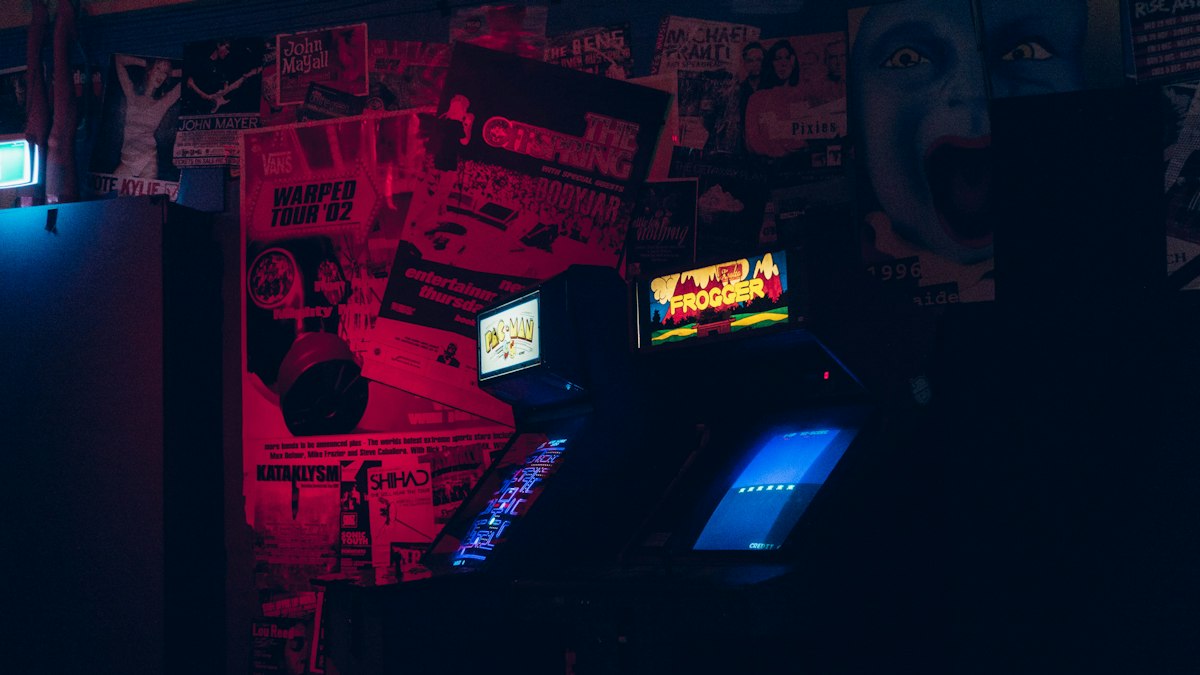
Game feel is the tactile sense of control and feedback a player experiences moment to moment. Designer Steve Swink explored the idea in his book Game Feel, and the GDC-era talk "Juice it or lose it" by Martin Jonasson and Petri Purho famously showed how adding feedback effects transforms a simple game. The core mechanic may be the same; the experience is not.
Start with responsive controls
Feel begins with input. Players should see a response within a frame or two of pressing a button. Techniques that make controls feel fair include:
- Input buffering: remember a jump pressed slightly before landing and perform it on landing.
- Coyote time: allow a jump for a brief moment after running off a ledge.
- Acceleration and deceleration curves tuned so movement feels weighty but controllable.
Layer the feedback
- Animation: anticipation before an action and follow-through after it; squash and stretch on impacts.
- Easing: objects that accelerate and settle rather than moving linearly feel more natural.
- Hit-stop: freezing the action for a few frames on a strong hit makes impacts feel powerful.
- Screen shake: small, short shakes for big events. Offer an option to reduce it for comfort and accessibility.
- Particles: dust on landing, sparks on hits, a burst when collecting items.
- Sound: often the biggest contributor. A satisfying sound effect can make a simple action feel great.
Do not overdo it
Too much feedback becomes noise and can cause discomfort or motion sickness. Scale effects to the importance of the event, and provide options to reduce flashing, shake and motion.
Test it
Game feel is hard to judge in your head. Prototype effects quickly, compare versions side by side and watch players during playtests. Engine documentation, such as the Godot manual's sections on animation, tweening and particles, shows how to implement most of these techniques.




