
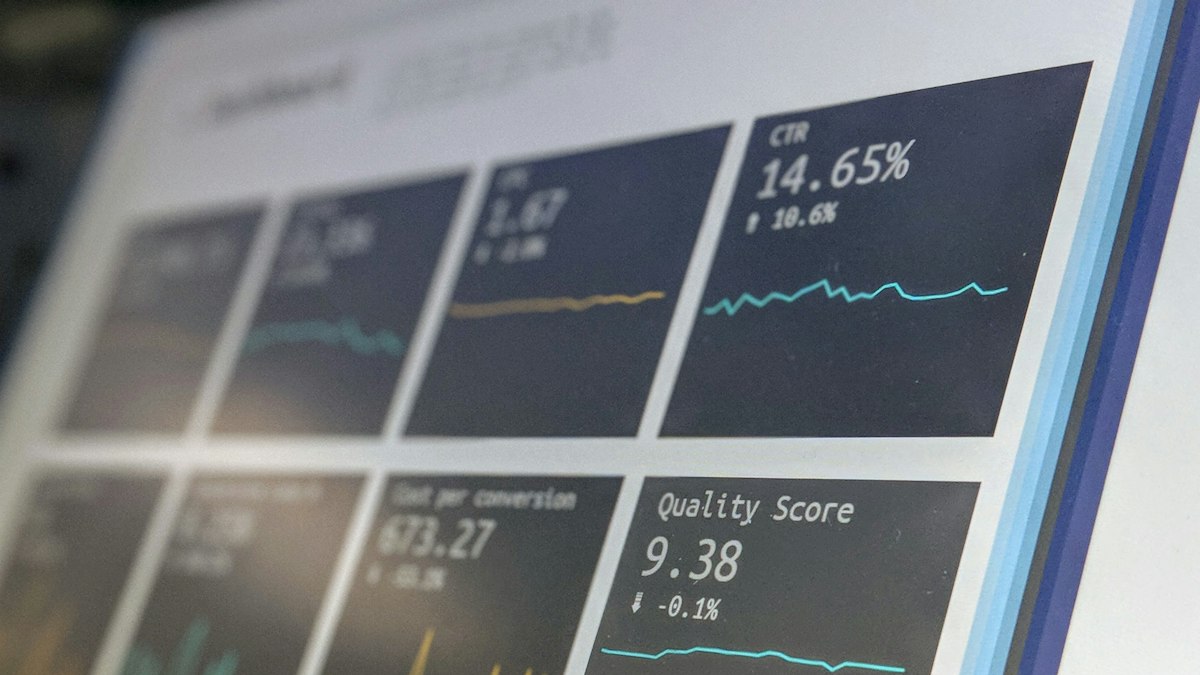
Google Search Console shows exactly which searches your pages appear for and how often people click. These five reports and filters reveal improvements you can make this week.
Google Search Console is a free tool that shows how your site performs in Google Search: which queries it appears for, how often it is shown and clicked, and which technical problems Google has found. Most site owners glance at the total clicks and close it. The real value is in a few specific views that point to fixable opportunities.
If you have not set it up, verify your site at Google Search Console and submit your sitemap. Data builds up over time, so the sooner the better.
Understand the four numbers
- Impressions: how many times your page appeared in search results.
- Clicks: how many times someone clicked through.
- CTR (click-through rate): clicks divided by impressions.
- Average position: the average ranking position, which can be misleading for pages that rank for many queries.
Win 1: High impressions, low click-through rate
In the Performance report, select the Pages tab, enable all four metrics and sort by impressions. Look for pages with many impressions but a CTR noticeably lower than similar pages on your site. People see them but do not click.
Fix: rewrite the title and meta description to be more specific and compelling, and check the page answers the query people are actually searching. Then wait a few weeks and compare.
Win 2: Pages ranking just off page one
Filter for queries with an average position roughly between 8 and 20. These pages are close to earning meaningful traffic.
Fix: improve the content's depth for that query, add a section that answers related questions, refresh outdated details and add internal links from your stronger pages. Our internal linking method explains how.
Win 3: Queries you did not plan for
Click into a page and view its queries. You will often find searches you never targeted. If a page receives impressions for a question it does not clearly answer, add a section that answers it, or write a dedicated article if the topic is different enough.
Win 4: Pages that are not indexed
Open the Pages report under Indexing. It lists URLs Google knows about but has not indexed, grouped by reason. Common reasons include:
- Excluded by noindex tag: check it is intentional.
- Crawled, currently not indexed: often a sign Google does not see enough value; improve or consolidate the content.
- Duplicate without user-selected canonical: set canonical tags clearly.
- Not found (404): fix links or add redirects for pages that moved.
Use the URL Inspection tool to check an individual page and request indexing after a significant fix.
Win 5: Pages that are declining
Compare the last three months with the previous period, or the same period last year for seasonal topics. Sort by the change in clicks. Declines are often caused by outdated content, stronger competing pages, or changes in what searchers want.
Fix: audit the page with our blog SEO checklist and update it properly.
Make it a monthly habit
- Pick three pages with high impressions and low CTR; rewrite titles and descriptions.
- Pick two page-two queries; improve the content.
- Review new indexing issues.
- Note the changes and dates in a simple log so you can see what worked.
Search Console keeps up to 16 months of performance data, so export key reports periodically if you want a longer history.











0 Comments
No comments yet — be the first to share what you think.