
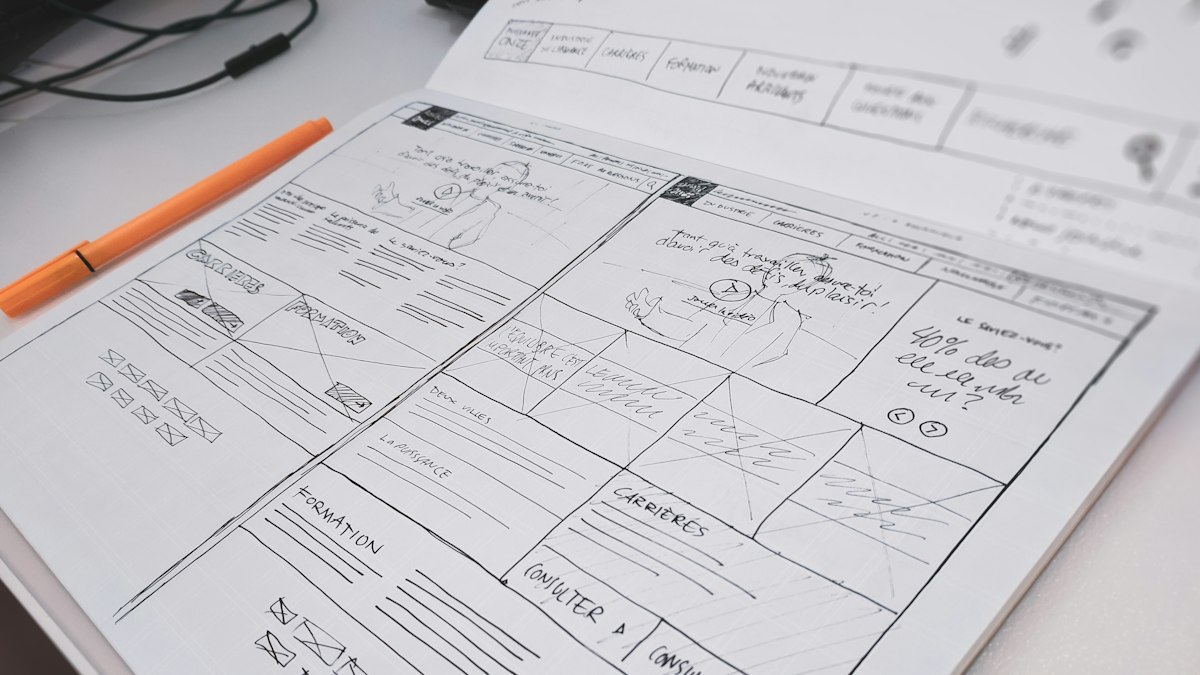
A game design document keeps a team aligned on what the game is and why. Modern GDDs are short, living documents. Here is what to include and a template you can adapt.
A game design document (GDD) describes what a game is: its vision, mechanics, content and scope. In the past, GDDs were often hundreds of pages long and quickly out of date. Today, most teams prefer a short, living document that is updated as the game evolves. Its job is to keep everyone aligned and to make decisions visible.
Start with a one-page pitch
Before any detail, write a single page that anyone could read in two minutes:
- Title and genre
- High concept: one or two sentences describing the game
- Player fantasy: what the player gets to be or do
- Target audience and platforms
- Unique selling points: two or three things that make it stand out
- Comparable games: titles players already know, and how yours differs
If the team cannot agree on this page, more detail will not help.
Define the core loop
The core loop is the set of actions players repeat most often, and why they are motivated to repeat them. For example: explore, gather resources, craft upgrades, explore harder areas. Describe it in a short diagram or list. Every other system should support this loop.
Mechanics and rules
Describe each mechanic clearly: what the player does, how the game responds, and the key numbers that will need tuning, such as jump height, damage values or cooldowns. Mark numbers as provisional; they will change after playtesting.
Controls
List controls for each target input: keyboard and mouse, controller, touch. Consider accessibility from the start, including remappable controls and options for players with different abilities.
Progression and economy
How does the player grow? Levels, unlocks, story chapters, skills, currencies. Note what is earned, how fast, and what it can be spent on. Simple spreadsheets are often more useful here than prose.
World, story and characters
Keep this proportionate to the game. A puzzle game may need a paragraph; a narrative adventure needs more, often in a separate document.
Art and audio direction
Use reference images and short descriptions to define the visual style, colour palette, camera, and the mood of music and sound. A mood board communicates more than paragraphs of adjectives. Include technical constraints such as target texture sizes and polygon budgets so artists and programmers share expectations; see LOD explained.
Scope and milestones
List features as must have, should have and nice to have. Define milestones such as prototype, vertical slice, alpha, beta and release, with what each must contain. Being explicit about scope is the best protection against a project that never ships.
Keep it alive
- Store it where the whole team can edit and comment.
- Record significant decisions and the reasons for them.
- Remove or archive content that no longer applies.
- Review it at each milestone.
Lightweight template
- One-page pitch
- Core loop
- Mechanics (with provisional numbers)
- Controls and accessibility
- Progression and economy
- World and story
- Art and audio direction, with technical budgets
- Scope: must / should / nice to have
- Milestones and dates
- Open questions and decision log
Choosing your tools? See Unity, Unreal and Godot compared.









0 Comments
No comments yet — be the first to share what you think.