
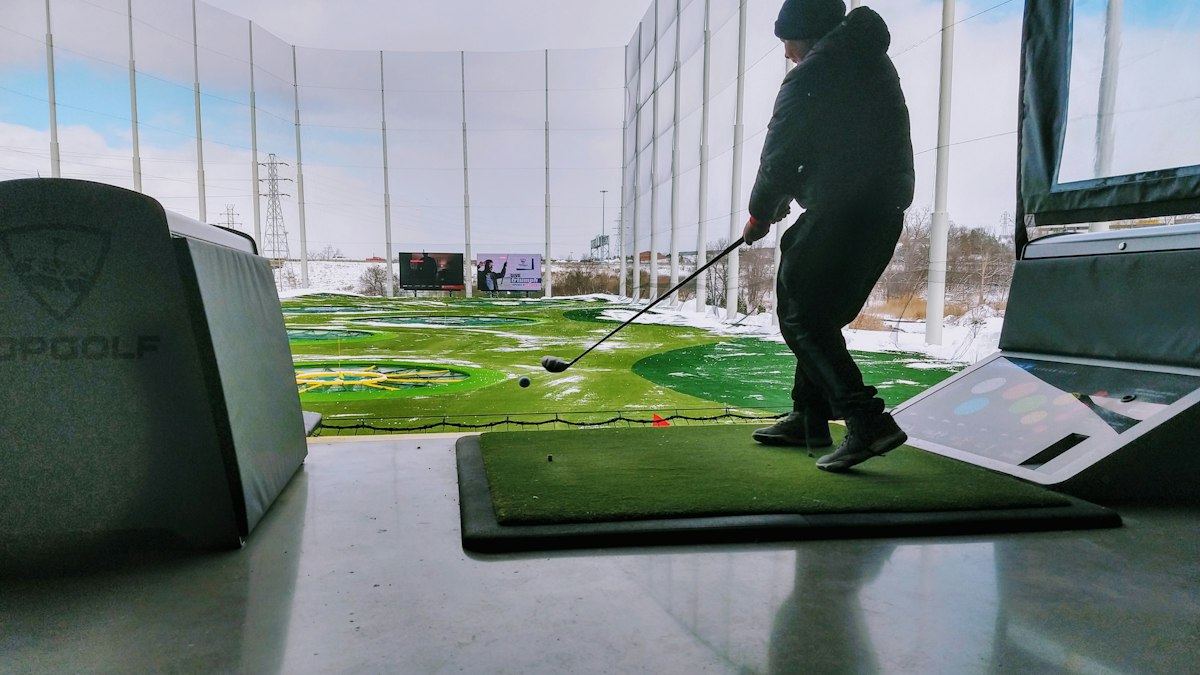
A home golf simulator lets you practise and play year-round, but the room, not the software, is usually the deciding factor. Here is how to plan space, choose components and set up safely.
A home golf simulator combines a launch monitor with software that shows your shots on a virtual course or driving range. It means practice regardless of weather or daylight. Before comparing products, measure your space carefully: room size determines which launch monitors, screens and setups will work.
Check the space first
Ceiling height
This is the most common limitation. You need enough clearance to swing a driver freely at full speed without hitting the ceiling. Measure your own swing: stand in the room with your longest club and make slow, full practice swings, remembering that your feet will be raised by the hitting mat. Many guides suggest that ceilings below about 2.7 metres (9 feet) are tight for taller players with a driver.
Width
You need room to swing without hitting walls, and ideally space to accommodate both right- and left-handed players. A central hitting position needs more width than an offset one.
Depth
Depth must allow for the distance from the ball to the screen, your position behind the ball and, for radar launch monitors, the device's position behind you. Radar units often need more depth than camera-based units, which sit beside the ball.
Always check the specific manufacturer's minimum space requirements for any launch monitor you are considering.
The main components
Launch monitor
The heart of the system. Indoors, the key questions are: does it work in your room's depth, how accurately does it measure spin and club data, and which software does it support? Our guide to launch monitor numbers explains what it measures.
Impact screen and enclosure
An impact screen absorbs the ball and displays the projected image. Choose one designed for golf ball impacts, mount it with some slack so the ball does not rebound strongly, and use side and top netting or an enclosure to catch mishits.
Hitting mat
A quality mat protects your joints and the floor, and gives realistic feedback. Cheap, hard mats can hide poor strikes and cause wrist strain.
Projector
A short-throw projector placed above or beside the hitting area reduces shadows on the screen and keeps the device out of harm's way. Match the projector's aspect ratio to the screen.
Computer and software
Some launch monitors include practice software; course simulation software may require a subscription and a reasonably powerful computer. Check compatibility before you buy.
Safety
- Protect lights, windows and walls near the hitting area.
- Make sure nobody can walk into the swing area or stand where a mishit could rebound.
- Use the right balls: some systems need particular balls or a small sticker for accurate spin readings.
- Check the screen regularly for wear.
Budget-friendly approaches
- Start with a launch monitor, a net and a mat for practice; add a screen and projector later.
- Use a garage or outbuilding where height and depth are often better than in a living room.
- Buy proven second-hand components where possible.
Practise with purpose
A simulator is most valuable when it builds skills you can take to the course: carry distances for each club, consistency drills and course strategy. Combine it with a yardage book approach to course management, and your simulator rounds will translate into real ones.










0 Comments
No comments yet — be the first to share what you think.