
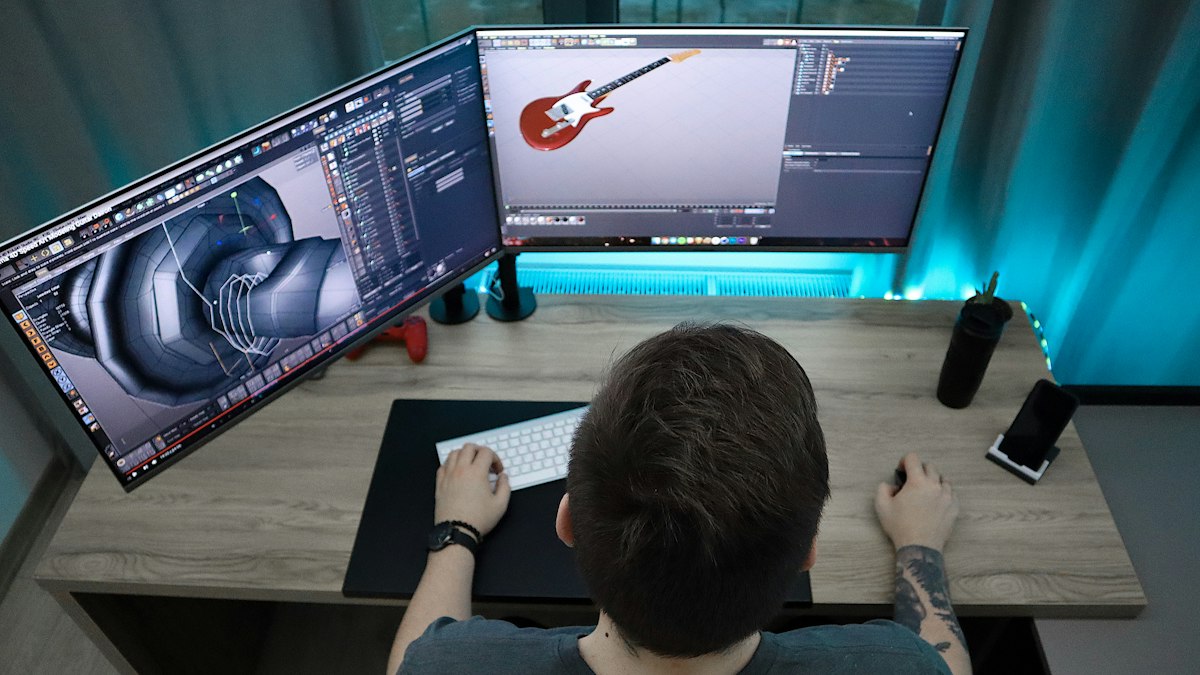
Real-time engines offer instant feedback and interactive walkthroughs; path tracers offer the highest image accuracy. Here is how each approach works and how to choose for your projects.
Choosing rendering software is one of the biggest decisions in an architectural visualization workflow. Broadly, tools fall into two families: real-time engines, which render images in a fraction of a second, and offline path tracers, which simulate light more completely and take longer per image. The gap between them has narrowed considerably, but each still has strengths.
How path tracing works
A path tracer follows the paths of many light rays as they bounce around a scene, gradually building up an accurate picture of reflections, refractions, soft shadows and indirect light. The image starts noisy and becomes cleaner as more samples are calculated. Denoisers now remove much of the remaining noise, cutting render times substantially.
Examples widely used in architecture include V-Ray, Corona and Blender's Cycles.
Strengths: very high physical accuracy, excellent glass, reflections and complex indirect lighting, predictable results for print-quality stills.
Trade-offs: longer render times, especially for animation, and slower iteration.
How real-time rendering works
Real-time engines, originally developed for games, use rasterisation combined with techniques that approximate global illumination and reflections, increasingly with hardware ray tracing. Modern systems, such as Unreal Engine's Lumen global illumination, deliver dynamic lighting that would have required offline rendering a few years ago.
Examples used in architecture include Unreal Engine, Twinmotion, Enscape, D5 Render and Blender's EEVEE.
Strengths: instant feedback, fast animations, interactive walkthroughs, virtual reality, and live design review with clients.
Trade-offs: some approximations in lighting and reflections, scene optimisation requirements, and a strong dependence on graphics card performance.
Comparing the two
| Factor | Path-traced | Real-time |
|---|---|---|
| Still image accuracy | Highest | Very good, improving quickly |
| Iteration speed | Slower | Instant |
| Animation cost | High | Low |
| Interactive walkthroughs and VR | Not practical | Core strength |
| Hardware dependence | CPU or GPU, scalable with render farms | Powerful GPU essential |
| Learning curve | Moderate | Easy (plugins) to steep (game engines) |
How to choose
- Design-stage reviews and client meetings: real-time tools, often as plugins linked live to CAD and BIM software, let teams explore options instantly.
- Marketing stills for print and billboards: path tracing remains a safe choice for maximum fidelity, though high-end real-time results are often comparable.
- Animations and flythroughs: real-time engines dramatically reduce render time.
- Interactive sales tools and VR: real-time engines are the only practical option.
- Small studios with limited hardware: path tracers can render on CPUs or cloud farms; real-time tools need a strong graphics card.
Many studios use both
A common workflow uses a real-time tool to agree camera angles, materials and lighting quickly with the client, then produces final hero stills in a path tracer, or the reverse, depending on the project. Keeping models and materials clean and well organised makes moving between tools easier; see preparing CAD models for rendering.
Whatever you choose
Lighting, materials and composition matter more than the engine. A carefully lit scene in any modern renderer will look better than a poorly lit one in the most expensive software. Strengthen the fundamentals with our guides to PBR materials and interior lighting.







0 Comments
No comments yet — be the first to share what you think.