
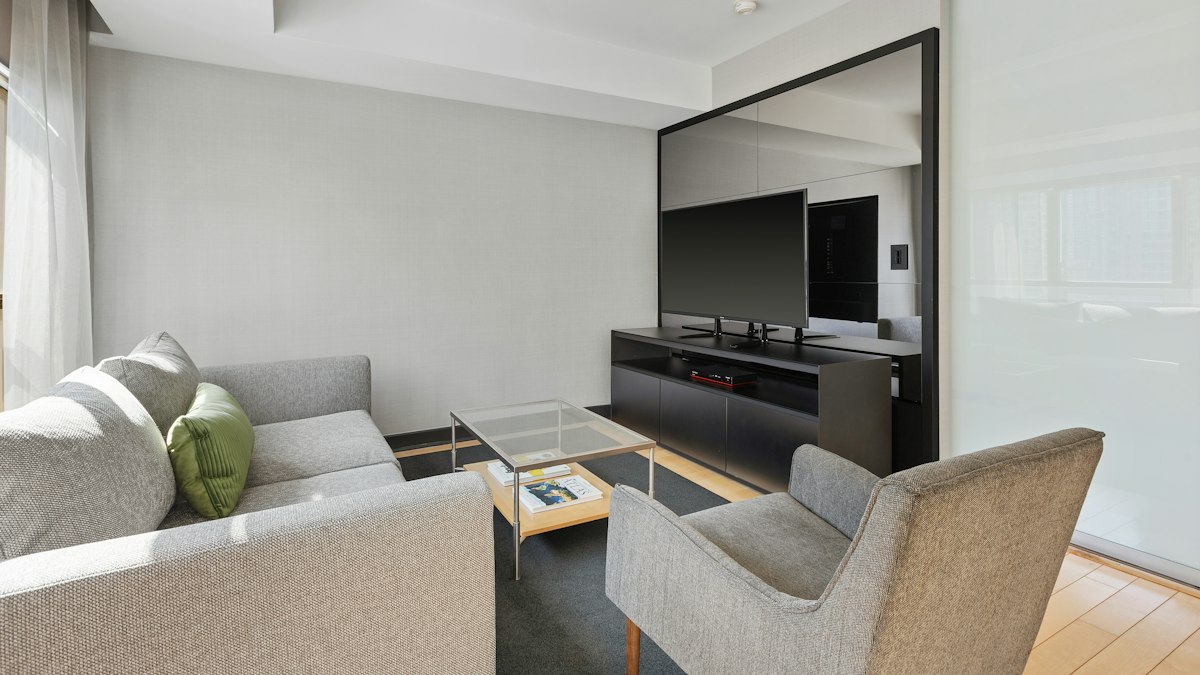
A great home cinema is more about setup than spending. Choosing the right screen size, fixing your TV's picture settings, improving sound and controlling light make the biggest difference.
You do not need a dedicated room or a projector costing thousands to enjoy films at home. Most of the cinema feeling comes from four things: a screen that fills enough of your view, accurate picture settings, decent sound and a dark, comfortable room. Here is how to improve each one without overspending.
1. Choose the right screen size for your seat
The right size depends on how far you sit from the screen. A common guideline for 4K TVs is a viewing distance of roughly 1 to 1.5 times the screen's diagonal. So for a 65-inch TV, about 1.6 to 2.5 metres. Sitting closer makes the image more immersive; sitting much further makes even a large TV feel small.
If your seating is far away, moving the sofa closer is the cheapest upgrade available.
2. Fix your TV's picture settings
TVs often ship in a bright "Vivid" or "Standard" mode designed for shop floors. Changing a few settings makes films look as the director intended:
- Choose Filmmaker Mode, Cinema or Movie mode. Filmmaker Mode, available on many recent TVs, switches off most processing automatically.
- Turn off motion smoothing. Called various names by manufacturers, it creates the "soap opera effect" that makes films look like video.
- Turn off extra sharpening and noise reduction, which can add artefacts.
- Set colour temperature to Warm if your TV offers it; it is usually closest to the industry standard.
3. Upgrade the sound
Thin TV speakers are the weakest part of most setups. In order of cost:
- A soundbar is the simplest upgrade, especially one with a separate subwoofer for bass.
- A pair of bookshelf speakers with a small amplifier often sounds better than a soundbar at the same price for music and dialogue.
- A 5.1 surround system with an AV receiver gives the full cinema effect. Second-hand receivers and speakers can be excellent value.
Connect through the TV's HDMI eARC or ARC port so one remote controls everything. If dialogue is hard to hear, look for a speech or dialogue enhancement setting.
4. Control the light
Darkness improves contrast dramatically. Close curtains or add blackout blinds, and avoid lamps that reflect in the screen. For evening viewing, a small, dim light behind the TV, sometimes called bias lighting, can reduce eye strain without washing out the picture.
5. Stream in the best available quality
- Check your streaming plan; 4K and HDR are often limited to higher tiers.
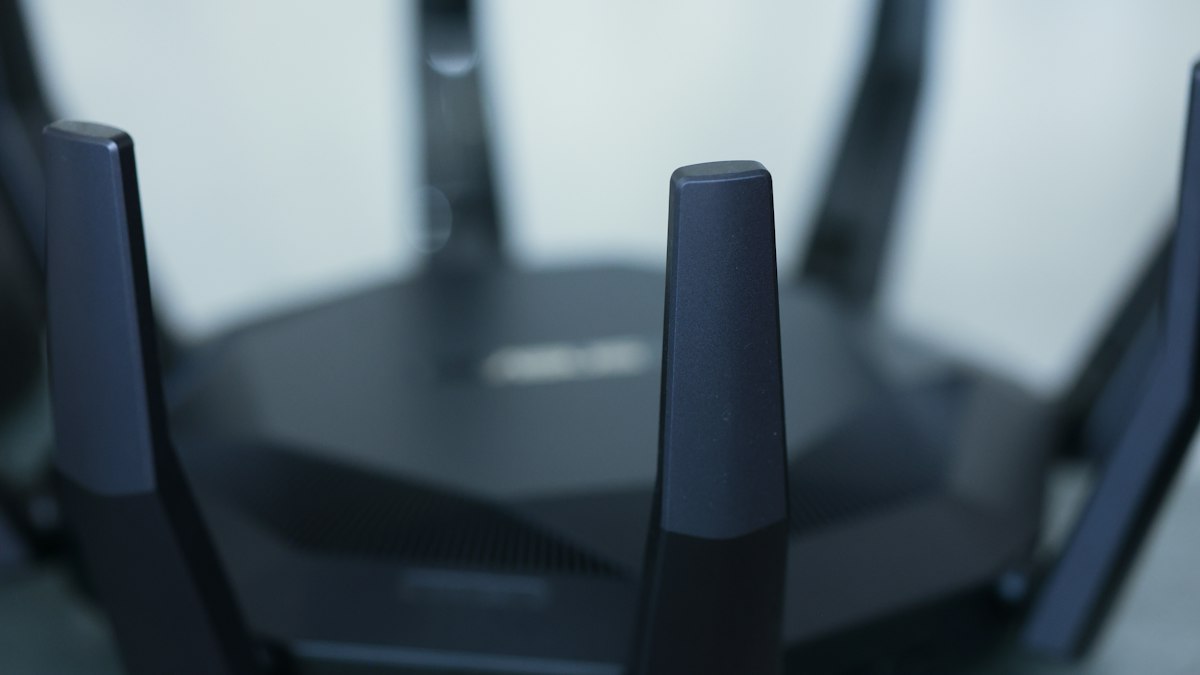
- Use a wired connection or strong Wi-Fi to the TV. See our guide to Wi-Fi generations if streaming stutters.
- Physical media such as 4K Blu-ray still offers the highest picture and sound quality, and second-hand discs are inexpensive.
6. Make the room comfortable
Comfortable seating at the right height, cushions and throws, a side table for drinks and snacks, and a phone basket so everyone actually watches the film. That last one may be the biggest upgrade of all.
Projector or TV?
Projectors can produce a huge image cheaply, but they need a dark room and a suitable wall or screen to look their best. Bright rooms and daytime viewing favour TVs. If you choose a projector, budget for a proper screen surface; it makes a visible difference.
Plan a proper movie night
Once the setup is ready, choose films that reward a big screen and good sound. Our guide on how to watch films more critically will help you notice details you might otherwise miss.










0 Comments
No comments yet — be the first to share what you think.