
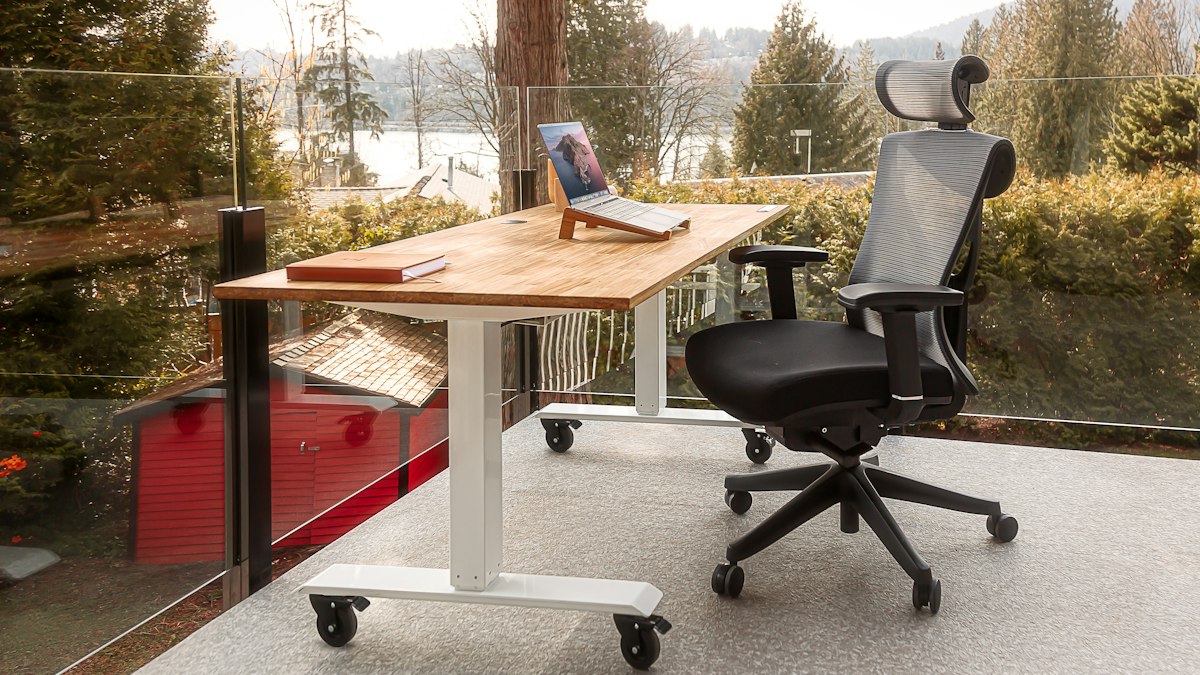
There is no single perfect sitting position. A well-adjusted workstation plus frequent changes of position and short movement breaks do more for comfort than chasing ideal posture.
Many people spend most of their working day at a desk, and discomfort in the neck, shoulders, back and wrists is common. The traditional advice was to find one "correct" posture and hold it. Current thinking is more practical: set up your workstation so comfortable positions are easy, then change position often. The best posture is the next one.
Set up your chair
- Adjust the height so your feet rest flat on the floor or a footrest, with knees roughly level with or slightly below your hips.
- Sit back so the chair supports your lower back. A small cushion can help if the chair has no lumbar support.
- Keep armrests low enough that your shoulders stay relaxed, or remove them if they push you away from the desk.
Position the screen
- Place the screen about an arm's length away.
- Set the top of the screen at or slightly below eye level, so you look slightly down at the middle of it.
- Put it directly in front of you, not off to one side. If you use two screens equally, centre them both; if one is primary, centre that one.
- Reduce glare by angling the screen away from windows and lights.
Keyboard and mouse
- Keep the keyboard close, with elbows roughly at right angles and wrists straight.
- Place the mouse beside the keyboard so you are not reaching.
- Learn a few keyboard shortcuts to reduce mouse use.
Working on a laptop
Laptops force a compromise: if the keyboard is in the right place, the screen is too low. For regular use, raise the laptop on a stand or a stack of books and use a separate keyboard and mouse. It is one of the cheapest and most effective upgrades for home workers.
The UK Health and Safety Executive's guidance on working safely with display screen equipment includes a workstation checklist employers and employees can use.
Move every 30 to 60 minutes
Long periods of uninterrupted sitting are associated with discomfort and with poorer health outcomes generally. The WHO recommends limiting sedentary time and replacing it with activity of any intensity. Practical ways to build in movement:
- Stand up and walk around during phone calls.
- Fill your water glass rather than a large bottle, so you get up more often.
- Use a timer or your smartwatch to prompt a short break.
- Alternate between sitting and standing if you have a height-adjustable desk. Standing all day is not the goal either; variety is.
- Take a short walk at lunch, outside if possible.
Simple desk stretches
These take a minute or two. Move gently and stop if anything hurts.
- Neck: slowly tilt your ear towards each shoulder, holding for a few breaths.
- Shoulders: roll your shoulders backwards ten times, then squeeze your shoulder blades together gently.
- Upper back: clasp your hands in front, round your upper back and push your hands away.
- Chest: clasp your hands behind your back and gently lift, opening your chest.
- Wrists: extend one arm, palm up, and gently pull the fingers back with the other hand; repeat palm down.
- Hips: stand, step one foot back and gently tuck your hips to stretch the front of the back leg.
Rest your eyes
Screen work can cause tired eyes. Every so often, look away at something distant for a short while, blink deliberately, and make sure your room is well lit. Have your eyes tested regularly, and mention screen use to your optician.
When to seek help
See a doctor or physiotherapist if pain persists for more than a few weeks, gets worse, spreads down an arm or leg, or comes with numbness, tingling or weakness. Early advice usually leads to quicker recovery.
Movement breaks count towards your weekly activity; see how much exercise adults need.
General information only, not medical advice.











0 Comments
No comments yet — be the first to share what you think.