
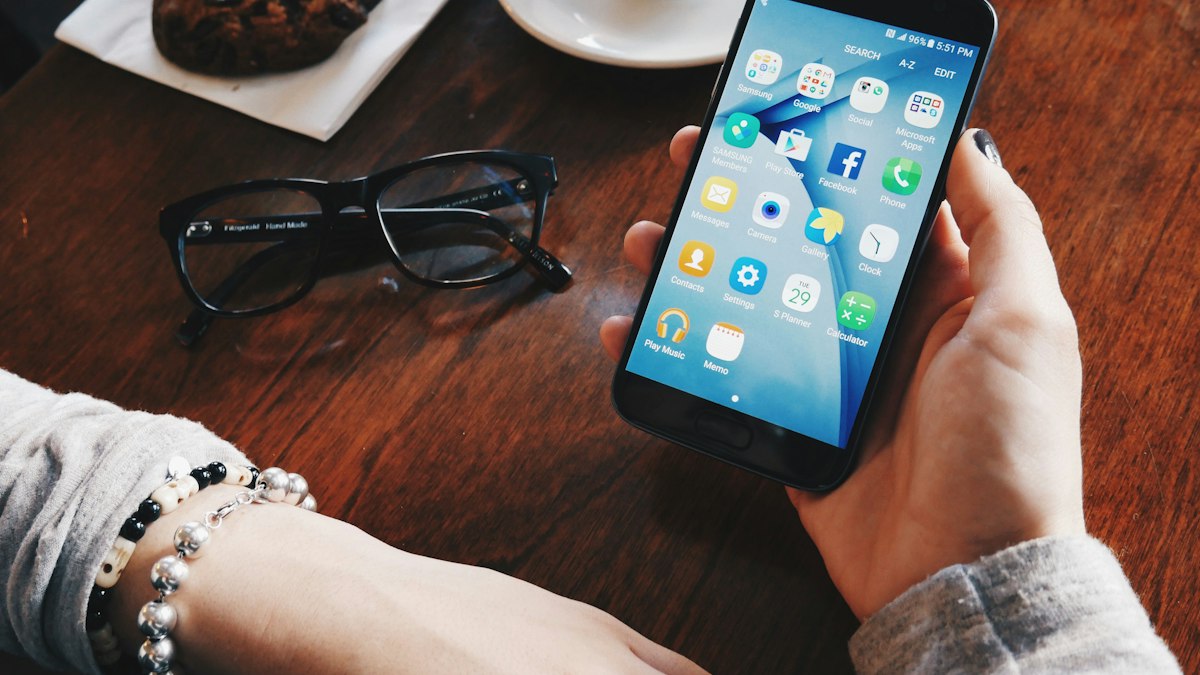
You do not need to throw away your smartphone to use it less. A few deliberate changes to notifications, apps and routines can win back hours each week.
Most of us pick up our phones far more often than we intend to. Apps are designed to hold attention, and notifications pull us back throughout the day. Digital minimalism, a term popularised by computer scientist Cal Newport, is the idea of using technology deliberately: keeping the tools that genuinely add value and cutting the rest.
The goal is not zero screen time. It is screen time you chose.
Step 1: Measure first
Both major phone platforms have built-in tools: Screen Time on iPhone and Digital Wellbeing on Android. Check your daily average, your most-used apps and how many times you pick up the phone. Write the numbers down. Most people are surprised, and the surprise is useful motivation.
Step 2: Ask what each app is for
For each app you use often, ask: what do I value about this? Messaging family has clear value. Endless short videos at midnight may not. Sort apps into three groups:
- Essential tools: maps, banking, messaging, calendar.
- Valuable but easy to overuse: social media, news, video, email.
- Little real value: apps you open from habit. Delete them.
Step 3: Turn off most notifications
Notifications are the main way your phone interrupts you. Go to your settings and allow notifications only from people and genuinely time-sensitive services such as calls, messages from close contacts and two-factor codes. Turn off badges, sounds and banners for social media, shopping, news and games. You will still see everything when you choose to look.
Step 4: Redesign your home screen
- Keep only essential tools on the first screen.
- Move tempting apps into a folder on the last page, or remove them from the home screen and open them by search.
- Consider a plain or greyscale display mode in the evening; colour makes apps more appealing.
- Log out of social media after each use so opening it takes a deliberate step.
Step 5: Create phone-free zones and times
- The bedroom: charge your phone elsewhere and use a cheap alarm clock. This also helps sleep; see our sleep hygiene guide.
- Meals: phones off the table.
- The first hour of the day: start with your own priorities rather than other people's messages.
- Focus blocks at work, with focus mode switched on.
Step 6: Use the big screen for big tasks
Some apps are more deliberate on a computer. Checking social media or email on a laptop at set times means you go in with a purpose and leave when you are done.
Step 7: Replace, do not just remove
Scrolling fills gaps. If you remove it without a replacement, the habit returns. Decide in advance what you will do instead: read a book, go for a walk, call a friend, cook, play an instrument, or write in a journal. Keep a book or puzzle where you usually reach for your phone.
Try a 30-day reset
For a bigger change, take a month off optional apps entirely, then reintroduce only those you missed, with clear rules for when and how you use them. Many people find they do not want most of them back.
Check in monthly
Look at your screen-time numbers each month, perhaps during your weekly review. If they creep up, adjust a setting. Small, deliberate changes beat dramatic resolutions.










0 Comments
No comments yet — be the first to share what you think.